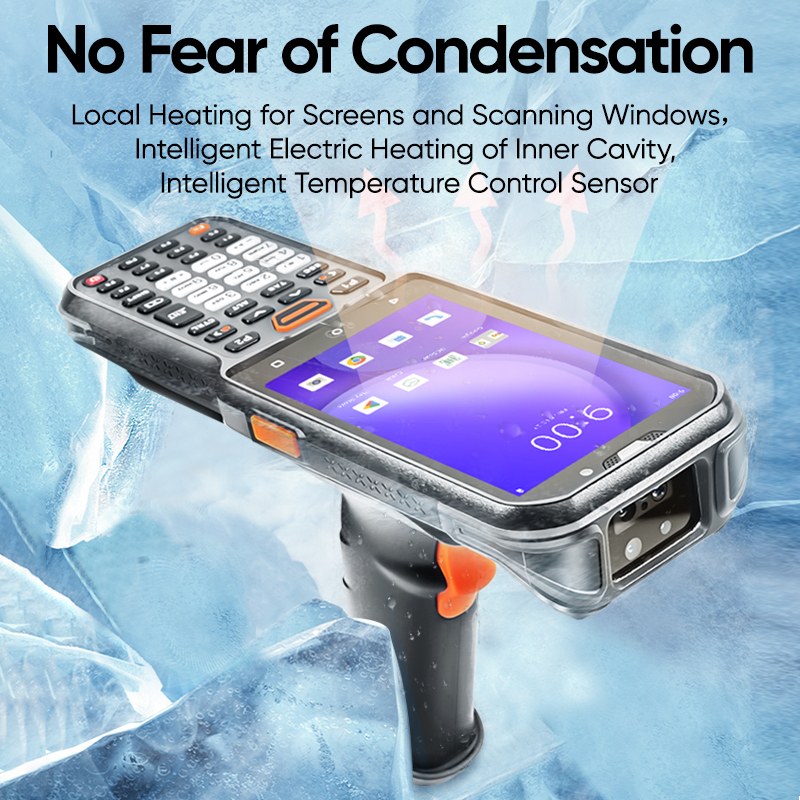
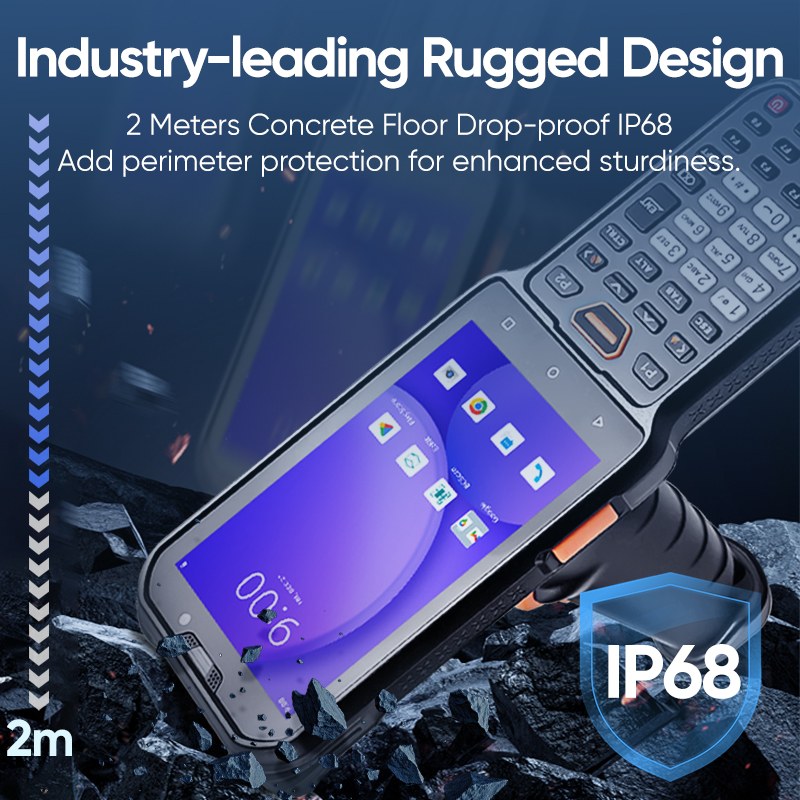
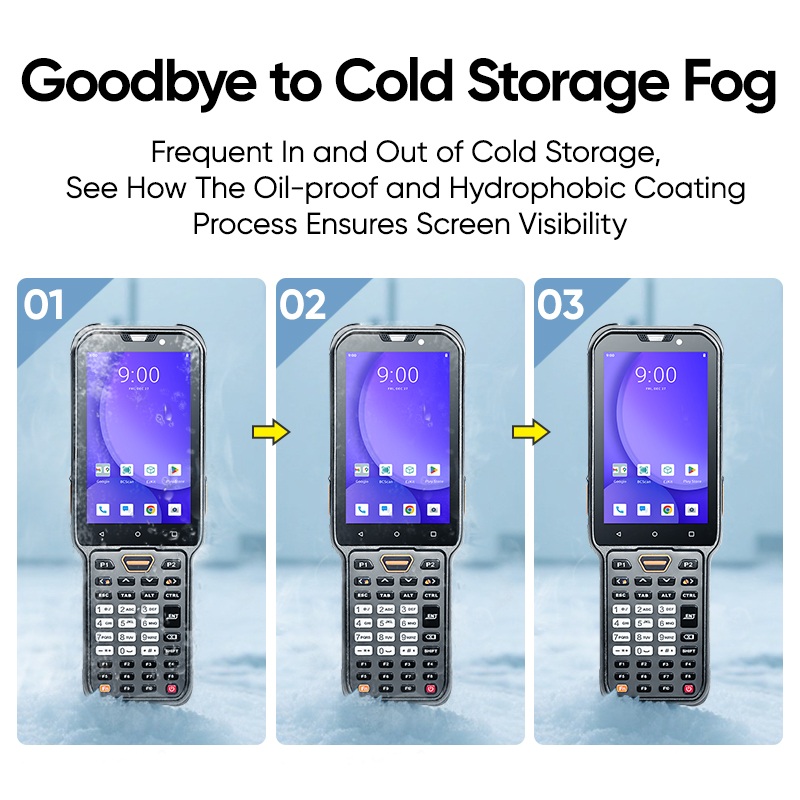
You interact with technology every day, and the quality of the display shapes your overall user experience. When you use a device equipped with a tft lcd display module, you notice vibrant colors, sharp resolution, and responsive touch controls. These features matter because they make each interaction effortless and enjoyable. Reliability and advanced tft lcd display technology ensure that you get consistent performance whether you check vital information on a medical device or enjoy entertainment on a tablet.
The table below shows how display quality impacts satisfaction in consumer electronics:
|
Challenge
|
Solution
|
|
Maintaining color accuracy, brightness, and contrast
|
Advanced calibration and display algorithms create immersive visuals
|
Key Takeaways
-
TFT LCD displays provide vibrant colors and sharp resolution, enhancing your overall user experience with every interaction.
-
IPS technology ensures wide viewing angles and consistent color accuracy, making displays ideal for collaborative environments.
-
High resolution and vivid colors in TFT LCD modules improve readability and visual enjoyment, perfect for both work and entertainment.
-
Touch panel integration allows for quick and precise interactions, making navigation intuitive and user-friendly.
-
Durability and customization options in TFT LCD displays ensure they meet specific needs while providing reliable performance in various environments.
Features of TFT LCD Display Modules
IPS Technology and Wide Viewing Angles
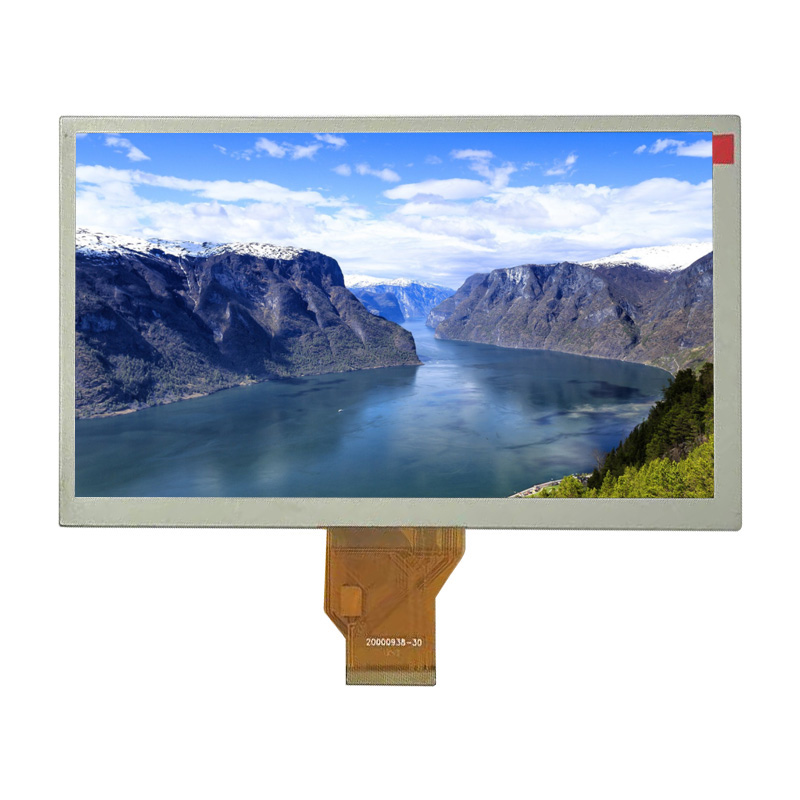
You expect consistent color and clarity from every angle when you interact with a tft lcd display module. IPS technology in tft lcd displays allows liquid crystals to rotate in-plane, which enhances viewing angles and ensures excellent color consistency. This feature is essential for collaborative environments, such as medical devices or public kiosks, where multiple users need to view the screen simultaneously. The Golden Vision 10.1 Inch 1280*800 IPS TFT LCD Display Module achieves a wide viewing angle of up to 170°, so you see accurate colors and stable contrast from almost any direction.
IPS panels maintain contrast and color accuracy even at extreme angles, making them ideal for applications that demand reliable visual feedback.
|
Effect
|
Description
|
|
Color Shifting
|
Colors may appear differently at oblique angles, leading to misinterpretation.
|
|
Contrast Degradation
|
Reduced contrast makes it difficult to read the screen, especially in low-light conditions.
|
|
User Dissatisfaction
|
Poor viewing angles can frustrate users, particularly in multi-viewer scenarios.
|
With IPS technology, you avoid these issues and enjoy a superior viewing experience.
High Resolution and Vivid Colors
A high resolution display transforms your interaction with devices by delivering sharp images and crisp text. The Golden Vision module offers a resolution of 1280x800 pixels, which falls within the high-end range for tft display modules used in tablets and monitors. This level of detail ensures that you can read data, view images, and operate interfaces with ease.
|
Resolution Range
|
|
128x160 pixels
|
|
800x480 pixels
|
|
1280x800 pixels
|
Tft lcd display modules also excel in producing vivid colors and high-quality visuals. While OLED screens are known for deep blacks and vibrant colors, advanced tft lcd technology competes closely by offering wide viewing angles, fast response times, and impressive color accuracy. The Golden Vision display’s luminance of 250cd/m² delivers high brightness, so your content remains clear even in well-lit environments.
|
Technology
|
Color Capabilities
|
Additional Features
|
|
TFT LCD
|
Vivid colors, high resolution, wide viewing angles
|
Fast response times, suitable for video, larger sizes, touch integration
|
|
OLED
|
Exceptional contrast ratios, deep blacks
|
Individual pixel control for color and brightness, wide viewing angles, consistent color accuracy
|
You benefit from a display that brings images and information to life, enhancing both usability and satisfaction.
Touch Panel Integration
Touch responsiveness defines the modern user experience. The Golden Vision 10.1 Inch module integrates a capacitive touch panel, which detects changes in capacitance when you touch the screen. This technology enables quick and precise touch recognition, supporting multi-touch and gesture inputs for intuitive operation. You can interact with screens effortlessly, whether you are navigating menus, entering data, or controlling complex systems.
-
Capacitive touch technology processes multiple touch inputs simultaneously.
-
The rapid processing cycle ensures a responsive feel, outperforming resistive touchscreens.
-
The conductive layer, often made from Indium Tin Oxide (ITO), provides high electrical conductivity and transparency.
-
Instantaneous detection of touch leads to accurate and reliable responses.
This integration elevates the tft lcd display module, making it suitable for applications that demand both speed and accuracy.
Durability and Customization
You need displays that withstand daily use and adapt to specific requirements. The Golden Vision module features robust construction, including a strengthened cover glass and a flexible printed circuit. While many outdoor tft lcd modules offer IP65 or higher ratings for dust and water resistance, the Golden Vision display focuses on reliability and longevity in diverse environments.
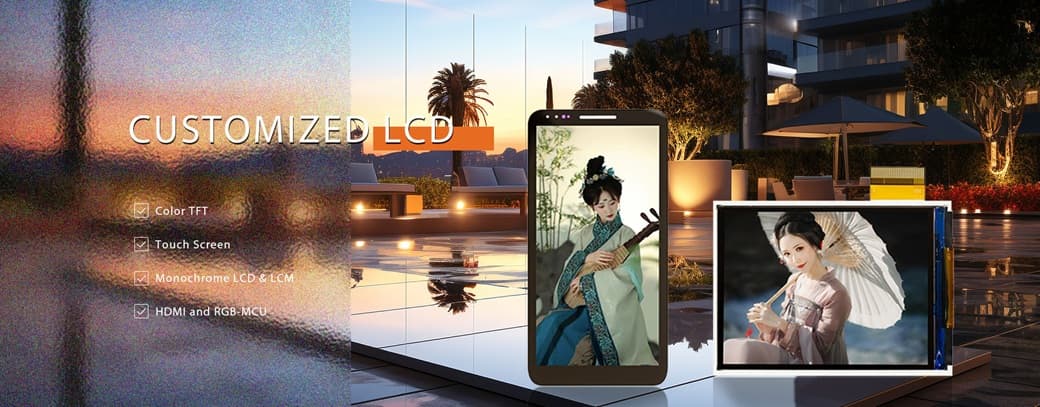
Manufacturers benefit from extensive customization options. You can select between capacitive or resistive touch panels, adjust backlight brightness, and tailor the interface (such as HDMI) to your project’s needs. Customization allows you to match the display’s size, shape, and features to your application, ensuring optimal performance and a unique user experience.
Customization in tft lcd modules enables you to:
-
Achieve unique display dimensions and specialized interfaces.
-
Integrate brand elements and optimize user interfaces.
-
Enhance visual performance and reliability for niche markets.
By choosing a tft lcd display module with these advanced features, you ensure that your devices deliver consistent quality, high brightness, and exceptional usability.
Benefits of TFT LCD Technology
Enhanced Visual Experience
You want every interaction with your device to feel immersive and precise. Advanced tft lcd technology delivers this by improving color accuracy, brightness, and clarity. When you use a tft display, you notice richer colors and sharper images. Technologies like IPS and Quantum Dot expand the color gamut, so you see visuals that look true to life. High refresh rates, such as 120Hz or 144Hz, make fast-moving content smooth and enjoyable, especially in gaming or video playback.
Professional applications like graphic design and medical imaging rely on enhanced color accuracy. You can trust tft lcd displays to provide consistent and precise color reproduction, which is essential for critical tasks.
The table below highlights measurable improvements you experience with advanced tft lcd display module technology:
|
Improvement Type
|
Description
|
|
Color Reproduction
|
Wide Color Gamut and Quantum Dot deliver richer, more accurate colors.
|
|
High Refresh Rates
|
120Hz, 144Hz, and 240Hz support smooth motion for gaming and video.
|
|
Reduced Motion Blur
|
Fast response times minimize ghosting and blur.
|
|
Low Power Consumption
|
Adaptive brightness control increases energy efficiency.
|
|
Improved Viewing Angles
|
IPS and Super PLS maintain color and contrast from any angle.
|
You benefit from a tft lcd touch screen that brings out the best in every image, whether you view photos, watch videos, or analyze data.
Reliable Performance
You depend on your devices to work reliably in any environment. High-quality tft lcd modules offer robust construction and long operational life. The mean time between failures (MTBF) for commercial tft display modules typically ranges from 30,000 to 70,000 hours, which means you can expect years of continuous use with minimal downtime. This reliability reduces maintenance costs and ensures consistent performance.
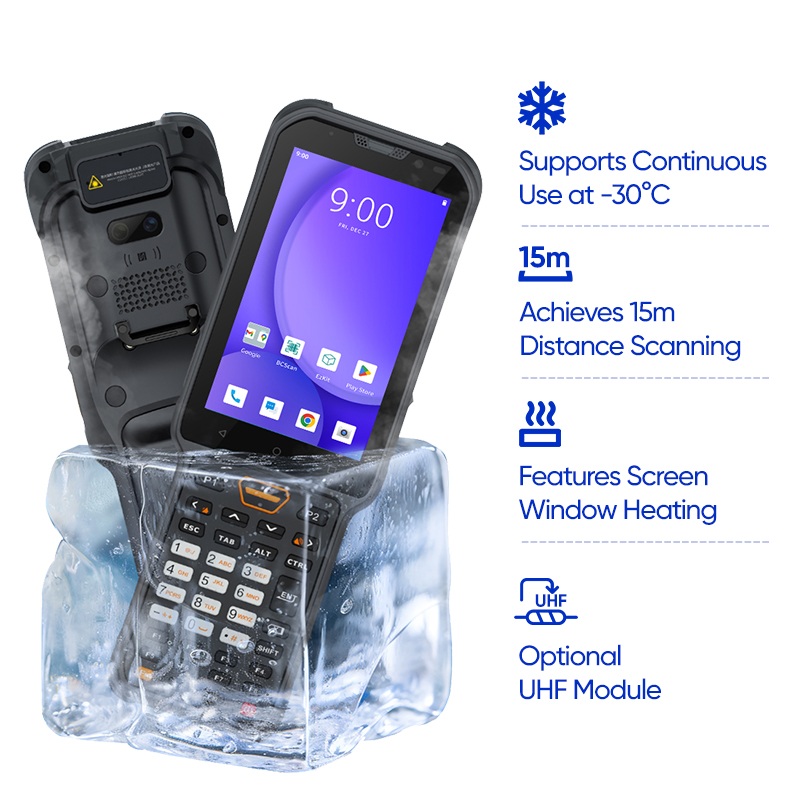
Tft lcd displays maintain their quality even under extreme temperature and humidity conditions. You can use these screens in environments ranging from -30°C to 80°C, and they withstand high humidity for extended periods. Manufacturers use high-quality materials and conduct rigorous environmental testing to guarantee durability.
|
Feature
|
Specification
|
|
Operating Temperature Range
|
-30°C to 80°C
|
|
Humidity Resistance
|
85°C / 85% RH for 1000 hours
|
|
Liquid Crystal Viscosity
|
Maintains performance at low temps
|
|
High Temp Performance
|
No warping or optical damage
|
RoHS-compliant tft lcd display modules protect the environment by restricting hazardous substances. You support sustainability and safety when you choose RoHS-certified displays.
-
Manufacturers use recycled materials to reduce carbon footprints.
-
Bio-based polymers from renewable sources are becoming more common.
-
RoHS compliance minimizes ecological impact and promotes safer recycling.
You gain peace of mind knowing your devices meet high standards for reliability and environmental responsibility.
Power Efficiency
You want your devices to last longer between charges. Tft lcd technology incorporates energy-saving features that help you achieve this goal. Adaptive brightness control and efficient backlighting reduce power consumption without sacrificing high brightness or image quality. Compared to older display types, modern tft lcd screens balance performance and energy use.
The table below compares power consumption characteristics:
|
Display Technology
|
Power Consumption Characteristics
|
|
LCD
|
Very low power consumption, dependent on ambient light or backlight.
|
|
TFT
|
Requires more light than monochrome displays, but offers efficient operation.
|
|
OLED
|
Power consumption varies with content; can be higher than tft for most uses.
|
You benefit from longer battery life and lower energy costs, making tft lcd display technology a smart choice for portable and stationary devices.
When you select a tft lcd display, you invest in a solution that combines visual excellence, reliable performance, and energy efficiency. This enhances your user experience and supports sustainable technology.
High-Quality TFT LCD Displays in Real-World Applications
Medical Devices and Healthcare
You rely on high-quality tft lcd displays in medical environments for clear, reliable information. Devices such as infusion pumps, ventilators, and AEDs use tft display modules to present patient data and system status with sharp and vibrant visuals. Touch screens simplify the user interface, reducing the need for multiple buttons and dials. This design saves space and makes equipment more efficient in patient rooms. You can check vitals and adjust settings quickly, which improves workflow and safety.
|
Application Type
|
Description
|
|
Standard Equipment
|
Used in monitors for general medical purposes.
|
|
Life Support Equipment
|
Includes devices like blood glucose meters for critical monitoring.
|
|
Life-Critical Equipment
|
Essential for devices such as ventilators, which demand high standards for reliability.
|
Tft lcd screens play a crucial role in medical imaging devices, including X-rays and MRI machines. The high resolution and superior brightness of these displays enable medical professionals to detect even the smallest anomalies, supporting accurate diagnosis.
Consumer Electronics
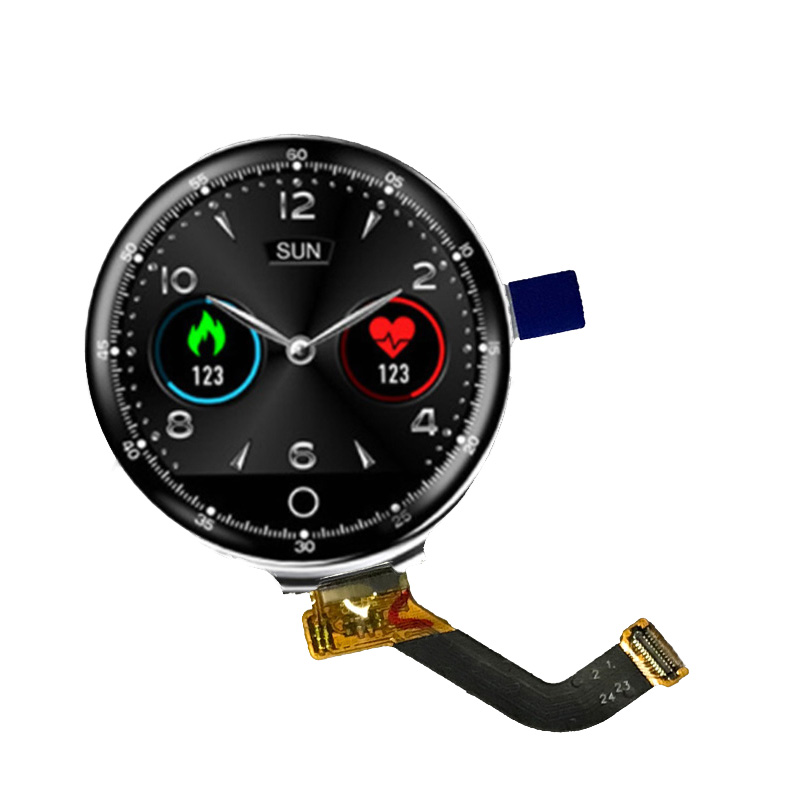
You interact with tft lcd display modules every day in devices like smartphones, tablets, and smartwatches. These screens deliver fast response times and excellent color performance, which enhance user interaction and satisfaction. Capacitive touch integration allows you to navigate menus and apps with ease, creating enhanced user experiences.
|
Product Type
|
Reason for Use
|
|
Computers and laptops
|
Superior image quality and fast response times
|
|
Televisions
|
Excellent color reproduction and energy efficiency
|
|
Mobile phones
|
Critical for user experience and display quality
|
|
Tablets
|
Slim form factor and energy-efficient performance
|
|
Video game consoles
|
Usability and product appeal
|
|
GPS devices
|
Clear navigation and user interaction
|
Tft lcd modules provide high brightness and sharp and vibrant visuals, making images and text easy to read. You benefit from displays that combine display size and resolution with energy efficiency, resulting in longer battery life and better overall performance.
Industrial and Automotive Uses
You depend on high-quality tft lcd displays for visibility and control in industrial and automotive settings. Automotive dashboards and industrial control panels require tft display modules with high brightness, wide viewing angles, and anti-glare coatings. These features ensure information remains readable under direct sunlight and in demanding environments.
|
Feature
|
Description
|
|
High Brightness
|
Readability under direct sunlight
|
|
Wide Viewing Angles
|
Uniform color and brightness across all angles
|
|
Durability
|
50,000+ hours of operation for longevity
|
|
Customizable Layouts
|
Digital clusters display speed, alerts, and more
|
|
Integration of Functions
|
Touchscreens combine navigation, multimedia, and connectivity
|
Tft lcd modules withstand vibration and shock, thanks to reinforced frames and shock-absorbing structures. You experience reliable performance and visual performance in tire pressure monitoring systems, charging stations, and coffee machines. These displays offer enhanced image quality and durability, making them ideal for demanding applications.
You see the impact of tft lcd display technology in every sector, from healthcare to consumer electronics and industrial controls. The combination of high brightness, display size and resolution, and robust construction ensures you get the best possible experience.
You experience the difference when you choose a thin-film transistor liquid crystal display for your devices. High-quality solutions deliver awesome picture quality, fast response, and long-term reliability. With an active matrix display, you enjoy stable images, wide viewing angles, and energy efficiency. As tft technology evolves, you gain access to flexible designs and advanced touch integration. Consider these features to ensure your next device meets the highest standards of quality and user satisfaction.
-
High resolution and customization options
-
Consistent performance across industries
-
Future-ready innovations for immersive experiences
Select displays that elevate your daily interactions and support your needs.
FAQ
What makes a tft lcd touch screen ideal for modern devices?
You experience fast response and precise control with a tft lcd touch screen. This technology supports multi-touch gestures, which improves navigation and interaction. You benefit from clear visuals and reliable performance in both consumer electronics and professional equipment.
How do custom lcd screens enhance device design?
You can tailor custom lcd screens to fit unique shapes, sizes, and interface needs. This flexibility allows you to create devices that stand out in the market. You achieve optimal integration and improved user satisfaction with displays designed for your specific application.
Are custom lcd screens suitable for industrial environments?
You gain durability and reliability with custom lcd screens in industrial settings. These displays withstand vibration, temperature changes, and continuous use. You ensure consistent performance and clear visibility, even in demanding conditions.
What connectivity options do modern display modules offer?
You find HDMI, LVDS, and MIPI interfaces in today’s display modules. These options provide seamless integration with various processors and controllers. You can select the best interface for your project’s requirements.
How do you maintain display quality over time?
You should clean screens with a soft, lint-free cloth and avoid harsh chemicals. You protect the display from direct sunlight and extreme temperatures. Regular maintenance ensures long-lasting clarity and performance.